
In Realm VTT you can enhance your NPCs and Characters with tokens from your favorite Patreon artist. You can even use tokens with odd scales, such as the beautifully crafted "pop-out" tokens for Pathfinder 2e on the Paizo store.
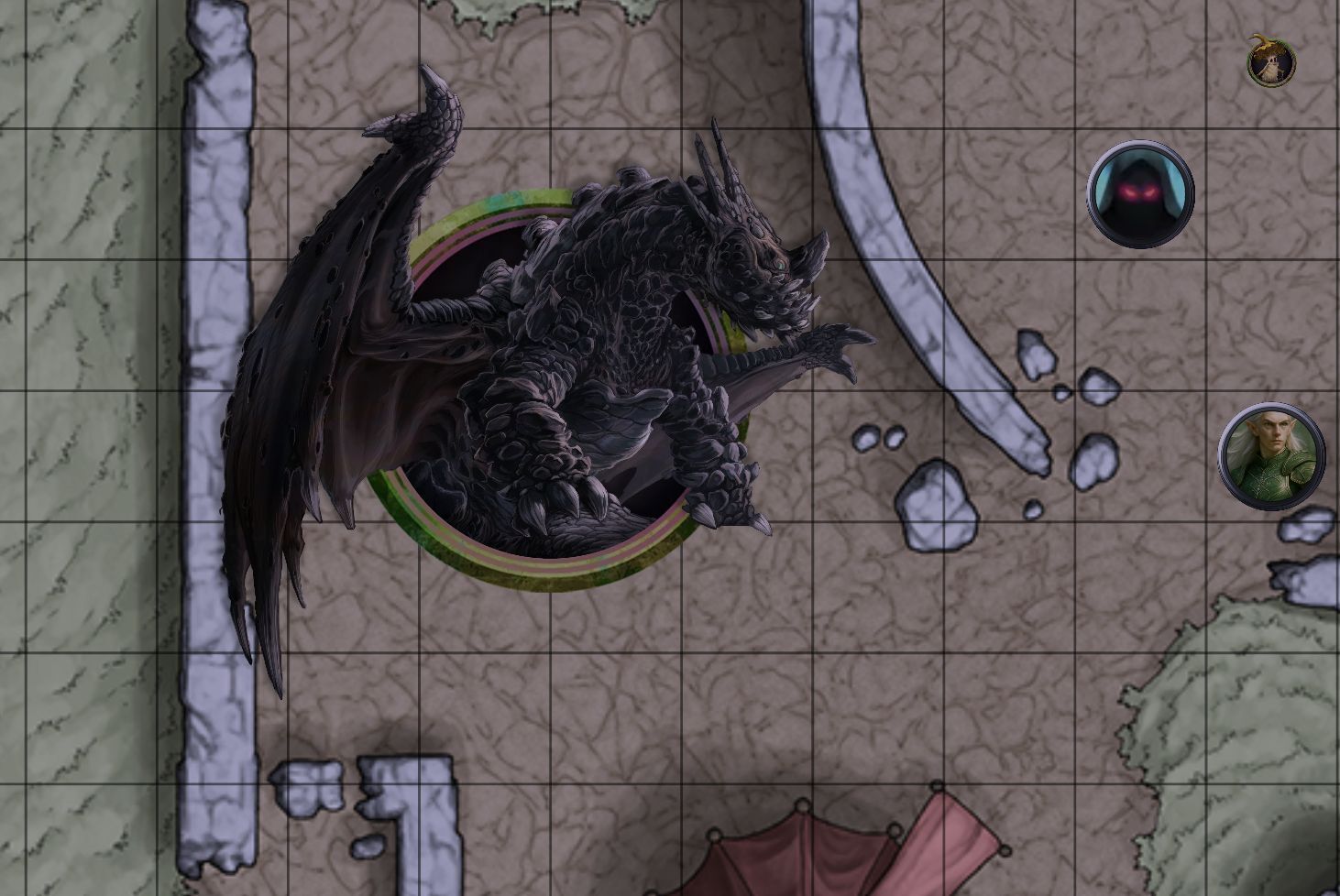
We suggest that you create your own module so that you can apply the tokens to another campaign without uploading them a second time. Want to create a module to apply the tokens to the D&D 5e SRD monsters? Here's how to do it:
- Create a new campaign, name it something such as "Token Development" or "SRD Tokens DEV." Note: Once you've created your module do not delete your development campaign! This is important to ensure links function and you can easily fix mistakes later.
- Click on Modules and click on "5e 2024 SRD Content - Monsters" and click Import
- Right click on an NPC you wish to export a custom token for, and click "Copy"
- Edit the name of the NPC, and remove the "(Copy)" part so that the name matches exactly what was in the original campaign
- Click on the NPC portrait icon
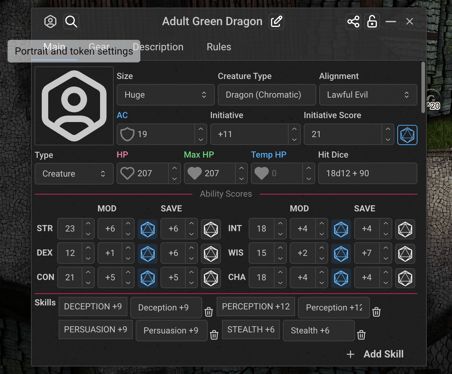
- Click "Upload Custom Token"
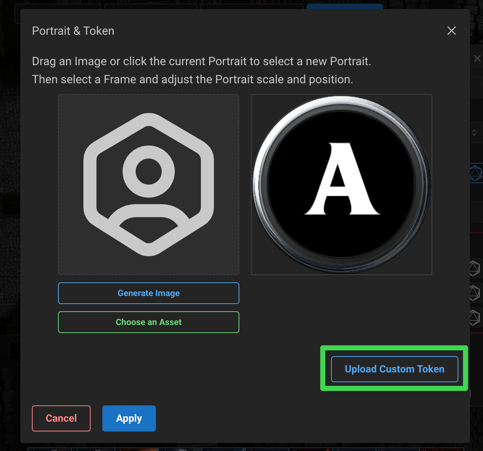
- Select the custom token you wish to upload, then, if the token is larger than 1:1 scale (such as if it pops out of the frame like in the screenshot at the top of this article) adjust the scale to the proper value (2x2, 3x3, etc.).
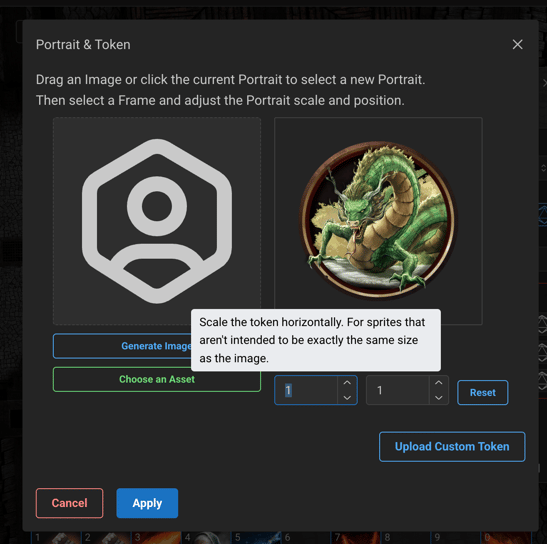
- Click Apply
- Once you've added all your custom tokens you are ready to export your module!
To export your module so you reuse them in other campaigns:
- Click Modules at the top
- Click Export Module
- Give your module a unique title and slug - you will get an error if a module exists with that slug already
- You can set a portrait and a description for the module if you wish as well
- Unless you have other items you wish to include in the module (custom NPCs, Items, Spells, etc.) all you need to do is scroll to the bottom and select "Portraits and Tokens." If you wish to include other content, select those as well, and the shared setting for them when imported.
- Click Export
- You can now add all your tokens to another campaign by first importing the SRD module and then importing your custom Tokens module! Since you've only uploaded the tokens once, these images only count towards your asset usage once.
If you want to create a module with your own custom NPCs instead, follow the same steps, but instead be sure to select the "NPCs" option when selecting which records to export.